Use the Web Interface
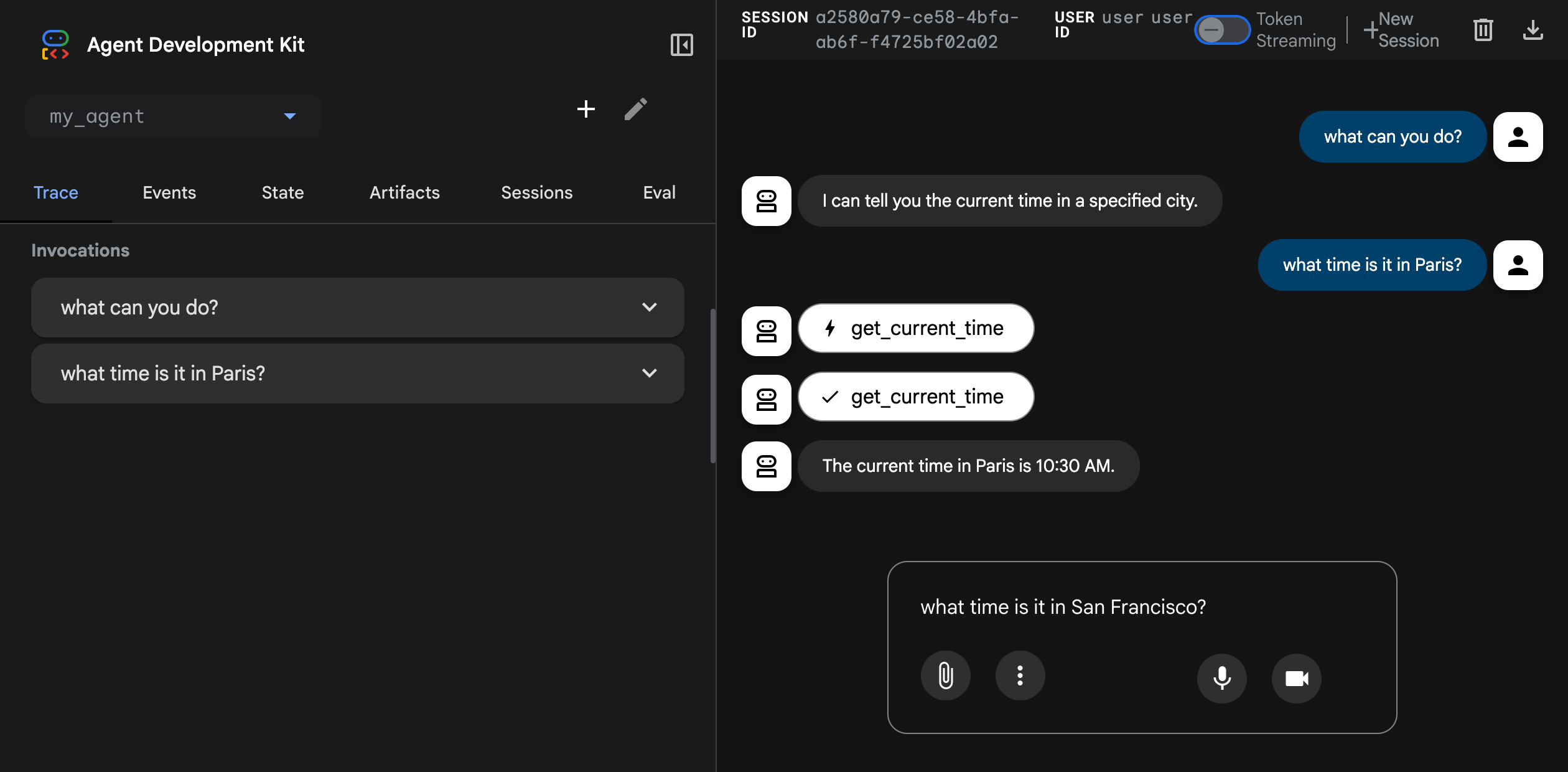
The ADK web interface lets you test your agents directly in the browser. This tool provides a simple way to interactively develop and debug your agents.
Caution: ADK Web for development only
ADK Web is not meant for use in production deployments. You should use ADK Web for development and debugging purposes only.
Key features of the ADK web interface include:
- Chat interface: Send messages to your agents and view responses in real-time
- Session management: Create and switch between sessions
- State inspection: View and modify session state during development
- Event history: Inspect all events generated during agent execution
- Visual Builder: Design agents visually with a drag-and-drop workflow editor and an AI-powered assistant (Python only, learn more)
Start the web interface
Use the following command to start the ADK web interface:
Make sure to update the port number.
With Maven, compile and run the ADK web server:
With Gradle, the build.gradle or build.gradle.kts build file should have the following Java plugin in its plugins section:
tasks.register('runADKWebServer', JavaExec) {
    dependsOn classes
    classpath = sourceSets.main.runtimeClasspath
    mainClass = 'com.google.adk.web.AdkWebServer'
    args '--adk.agents.source-dir=src/main/java/agents', '--server.port=8000'
}
Finally, on the command-line, run the following command:
In Java, the web interface and the API server are bundled together.
Once started, the server prints the access URL to the console. Open it in your browser to use the web interface:
+-----------------------------------------------------------------------------+
| ADK Web Server started                                                      |
|                                                                             |
| For local testing, access at http://localhost:8000.                         |
+-----------------------------------------------------------------------------+
Common options
Here are some commonly used options for the adk web command. Run adk web
--help to see all available options.
| Option | Description | Default |
|---|---|---|
--port |
Port to run the server on | 8000 |
--host |
Host binding address | 127.0.0.1 |
--session_service_uri |
Custom session storage URI | In-memory |
--artifact_service_uri |
Custom artifact storage URI | Local .adk/artifacts |
--reload/--no-reload |
Enable auto-reload on code changes | true |
For example: